Why we made QCam
QCam started at 35,000 feet, somewhere between Vancouver and Calgary.
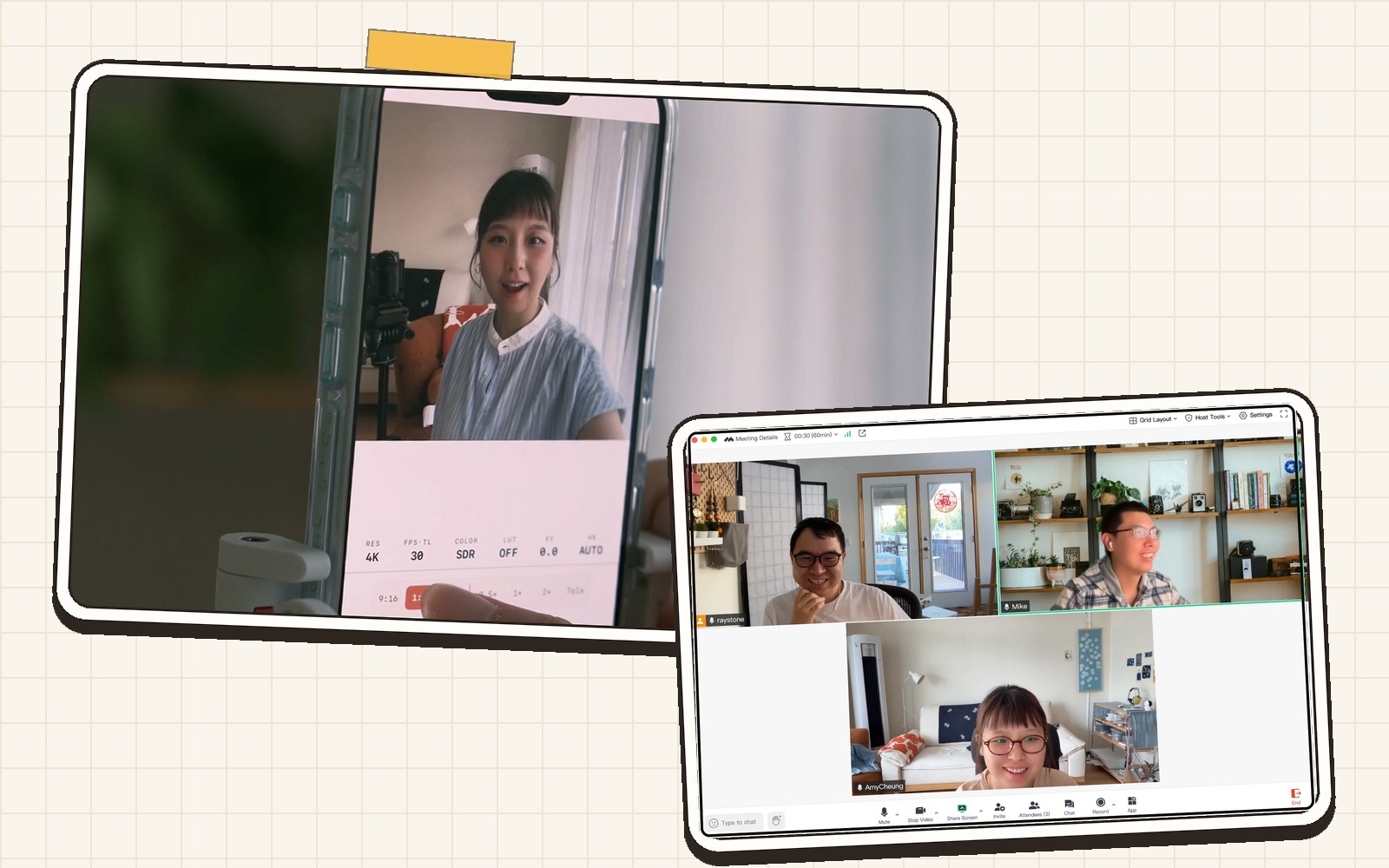
I make videos for a living. Close to a million people follow my work across platforms, and after years of shooting I had made peace with an awkward truth: the easiest camera to talk to is the one in your pocket, and it is also the one that fights you the hardest when you try to do it well.

Me, at work on the usual side of the camera.
That week I had flown out for a shoot, and my iPhone 17 Pro had arrived the day before, on launch day. It came along for its first real job, and the thing that stayed with me was not the speed or the screen. It was the front camera. It was suddenly, genuinely good.
On the flight home one thought would not let go: the sensor behind that camera is square now. If the sensor is square, why should I ever have to turn the phone sideways again? Hold it upright, comfortable, one hand, and let the app decide whether the frame is wide, tall, or square. The hardware could finally do it. Nobody was doing it.
I did not wait to land. I texted Mike right there, three messages, straight to the point.
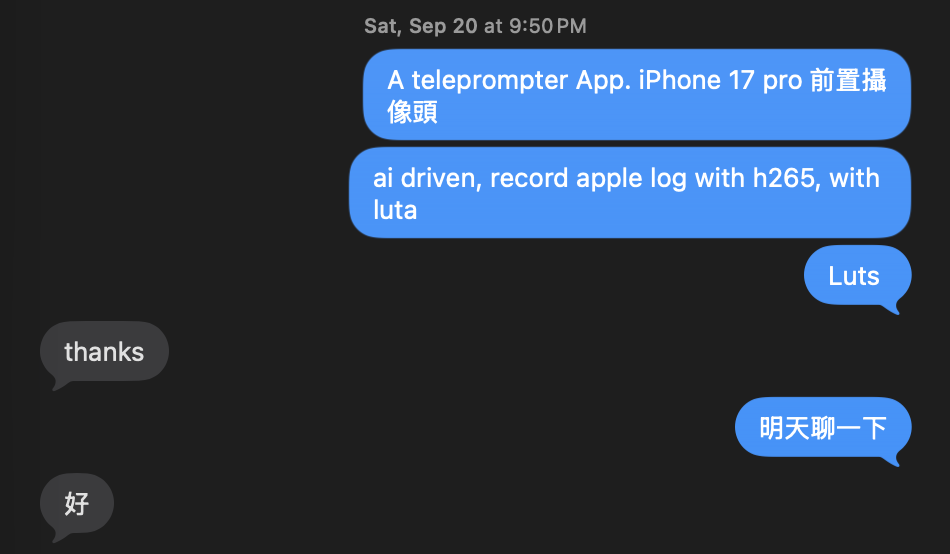
The first QCam messages ever, sent to Mike before the plane touched down. Typos included.
A square sensor hiding in plain sight
The more I looked at that sensor, the more it felt like a gift addressed to creators that nobody had opened.
It reads the full square, edge to edge. That means 16:9 for YouTube, 9:16 for Shorts and Reels, and 1:1, all from the same grip, all from the same take. The image quality is finally good enough to build on. And on the Pro phones there is Apple Log and Log 2 capture, the same foundation cinema cameras start from, which means real color work instead of a filter slapped on top.
One sensor, every platform, professional color. From the front camera. While you hold the phone like a human being.
The oldest problem in talking to a camera
There was a second reason the square sensor mattered to me, and it is the one I had personally suffered through for years.
When you film yourself with the phone held sideways, your script or your notes live on the screen, off to the side of the lens. So your eyes drift. Every viewer can see it, even if they cannot name it: you are not quite looking at them. The moment a creator reads, the connection breaks.
Hold the phone upright, though, and the lens sits right at the top, and the screen is directly under it. Put the script there, inches from the lens, and your eyes stay with your audience. Add a teleprompter that actually keeps up with a real person, one that follows your voice, waits when you breathe, and forgives you when you stumble, and the oldest problem in talking-head video quietly disappears.
The square sensor did not just unlock formats. It unlocked eye contact.
The empty intersection
So why did this app not exist?
The professional camera apps are excellent at what they do, but they are built for crews and rigs. When we started, the serious ones had not touched the front camera story at all, and a teleprompter will never be on their roadmap. They assume someone else is holding the camera. For a creator, you are the crew.
The teleprompter apps came at it from the other side and stopped halfway. Scrolling text over a bare-bones camera, image quality nobody would publish proudly, none of the formats, none of the color. They treat the camera as an afterthought, and it shows in every frame.
Pro image quality on one side, creator workflow on the other, and an empty intersection in the middle. That intersection is QCam.
Three creators, one camera
I could not build it alone, and I did not want to build it with people who had never been on either side of a lens.
The first call was to my friend Mike, an iOS engineer with years of shipping real apps who had also started making videos himself. He understood immediately, because he had felt the same friction from both directions: as the developer who knew the hardware could do more, and as the creator squinting sideways at his own script.
Then our friend Ami, a creator with an eye for the details the two of us would have missed, joined to shape the product with us. I am Ray, and I spend most of my time on the wrong side of the camera, which turns out to be the right side for designing one.
Three people who make videos, building the camera they wished existed.
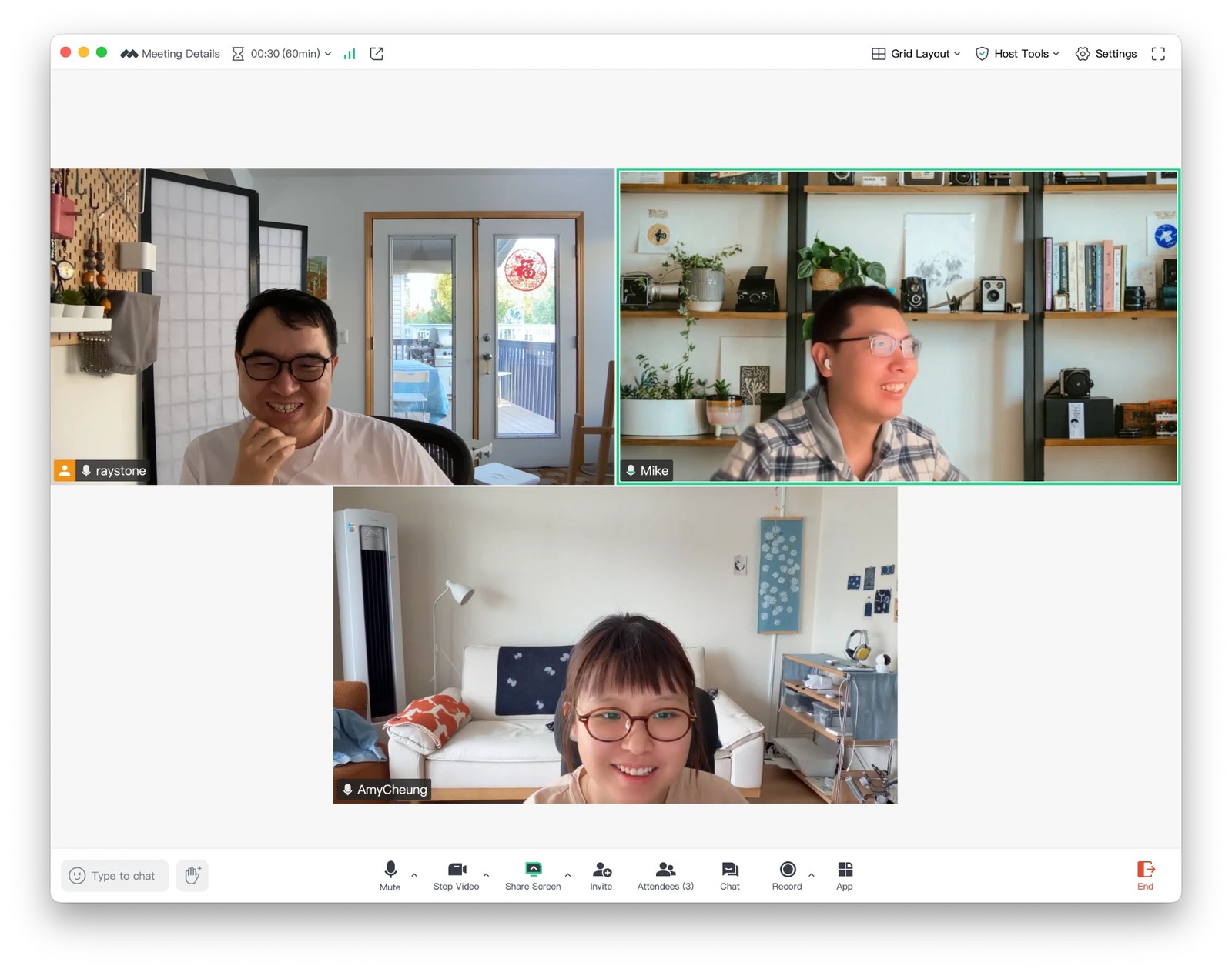
One of our build sessions: Ray, Mike, and Ami.
Built the way we shoot
Because we use QCam ourselves, every feature has to earn its place in a real take, not a demo.
The teleprompter follows your voice on the device itself, in your language, and your recordings never leave your phone for it to work. Missed a line? Swipe anywhere on the screen. The looks are graded by hand, because phone footage does not have to look like phone footage. And when you finish shooting, a real editing room is already there: trim, split, slip, color, done. What leaves the app is the version you publish.
We are also honest about hardware, in the app and everywhere else. Every iPhone gets the full teleprompter workflow. The square-sensor formats belong to the iPhone 17 generation's front camera, and Log belongs to the Pro phones. When you upgrade, the features switch on by themselves. Nothing is locked behind a subscription trick; the phone either can or cannot, and we tell you which.
Where this is going
QCam is on the App Store, in sixteen languages, for the front camera and the rear one too. This blog is where we will write about what we are building and why, including the wrong turns.
It began with a question on a plane: why is talking to your audience still this hard, when the hardware finally is not the problem?
We could not stop thinking about the answer. So we built it.